|
Please select the type of tech support you need:
Zero-G APPLE LOOP products: TECH SUPPORT.
If you require technical support for PRO PACK FOR GARAGEBAND, DANCE PACK 1 or 2 FOR GARAGEBAND, or WORLD PACK FOR GARAGEBAND, please click HERE.
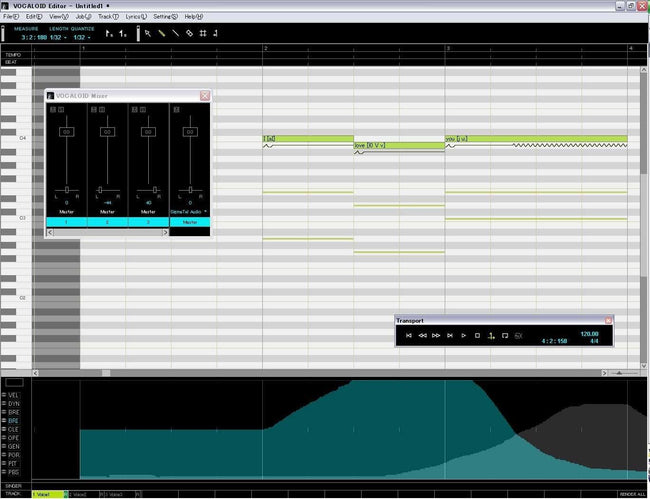
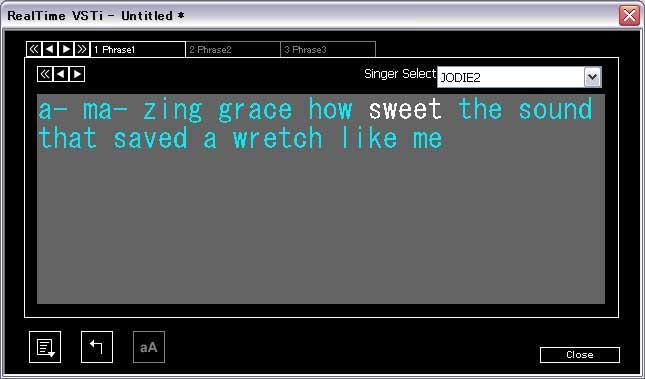
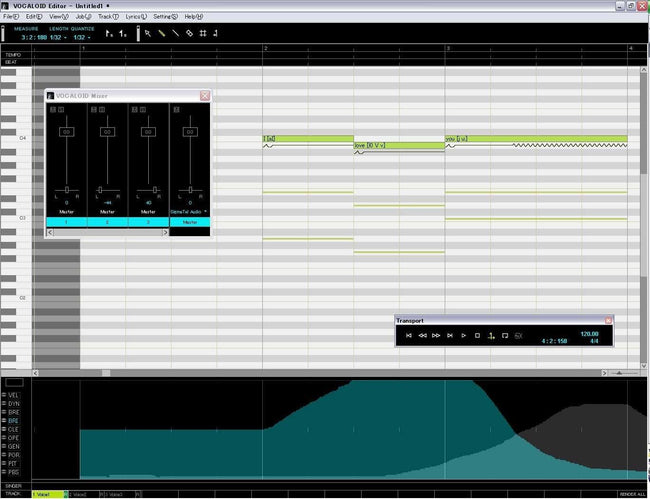
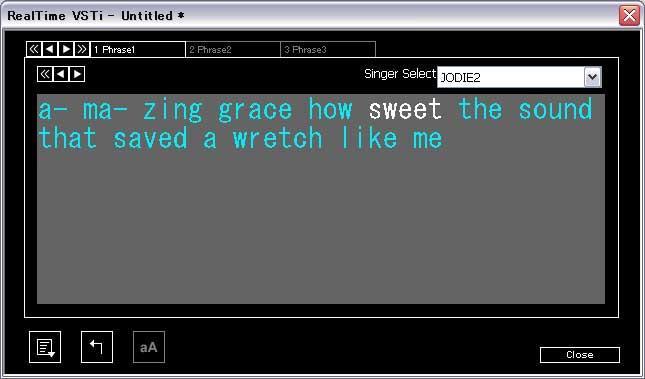
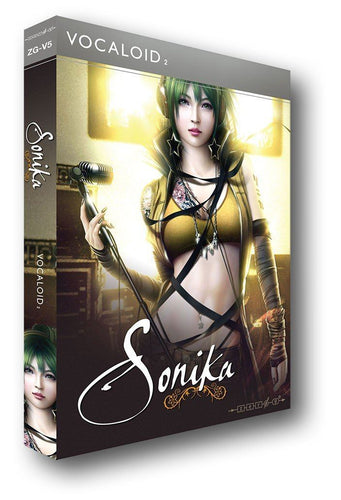
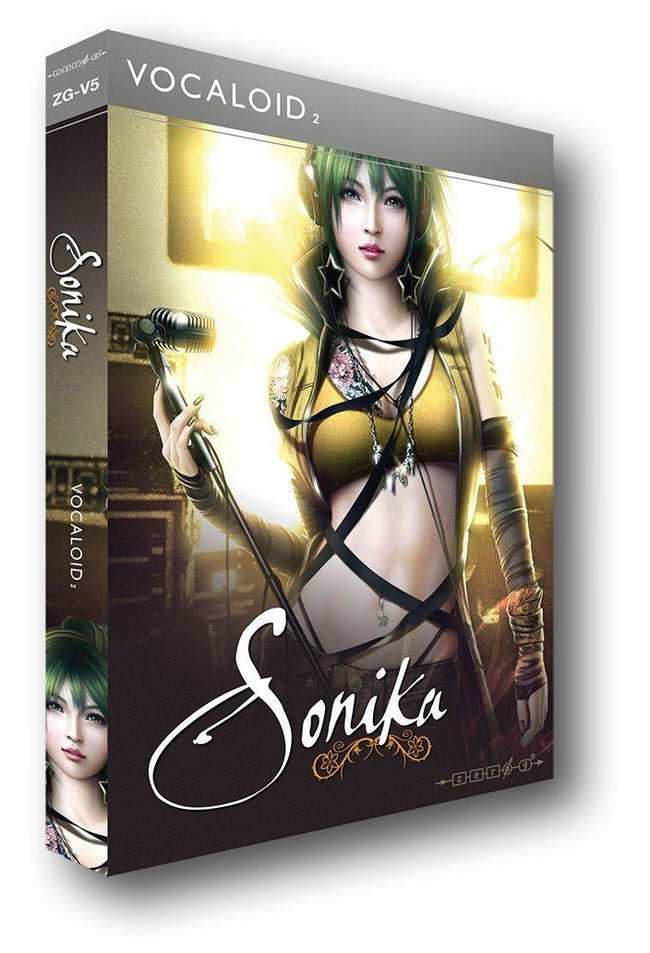
Zero-G VOCALOID products: TECH SUPPORT & DOWNLOADABLE UPDATES.
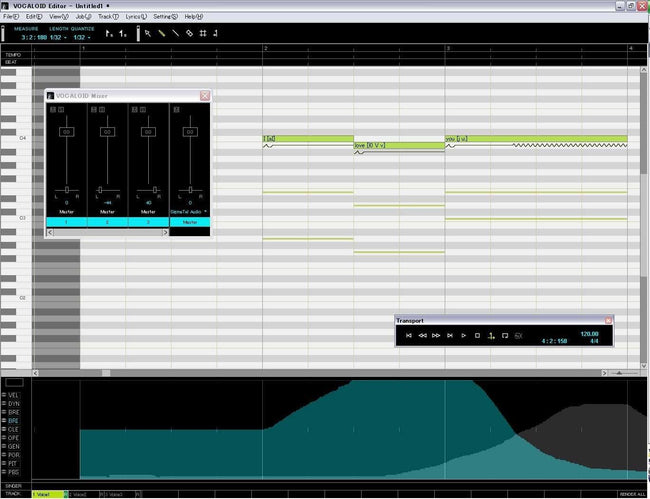
If you require technical support for our VOCALOID products LEON, LOLA or MIRIAM, please click HERE.
Zero-G Virtual Sound Modules: TECH SUPPORT.
If you require software technical support regarding Zero-G Virtual Sound Modules which include Native Instruments' KOMPAKT INSTRUMENT or INTAKT INSTRUMENT software, please click HERE to go to Native Instruments Technical Support (only available to registered users). For support/questions regarding the library content only of these Zero-G Virtual Sound Modules, please email to: info@zero-g.co.uk If your enquiry concerns compatibility with Mac INTEL computers, see below.
Zero-G Virtual Sound Modules: SOFTWARE UPDATES.
Downloadable software updates for Zero-G Virtual Sound Modules are also provided via the Native Instruments website: see below for links to available updates. If however your enquiry is about using these instruments with the new Mac INTEL computers, please note that the Native Instruments software ("Kompakt Instrument" or "Intakt Instrument") which 'powers' certain Zero-G products is not instantly compatible with Mac INTEL machines. However, Native Instruments have now released You may alternatively prefer to acquire the NI KONTAKT 2 or KONTAKT 3 sampler if possible as this will allow all existing versions of Zero-G instruments to be used on Mac INTEL based machines. If you already own KONTAKT 2 or KONTAKT 3, please use it to load the encrypted sample library file(s) on your existing NI-powered Zero-G product (you need to locate the .nks file(s) that were installed and access them from KONTAKT 2). Please note that Native Instruments have now released a new Kontakt Player 3 which is a free download, and will allow you to load any NI-powered library (such as Morphology or Nostalgia or Vocal Forge) on Mac Intel or PC. You can get it from THIS PAGE.
Support for Zero-G MORPHOLOGY: If you have purchased the boxed DVD (NI Kompakt-powered) version of Morphology, the first thing you need to do is download the Morphology OSX installer. This is because Morphology was an early release (2003) that only came with an OS9 installer. Get it from THIS PAGE (you need to scroll all the way to the bottom of the page).
You will then be able to install Morphology and register/authorize it.
Problems loading your NI-powered library into Kontakt2 or Kontakt3 ? If you are having problems loading your library from Morphology, Nostalgia, etc.. into Kontakt2 or Kontakt3, please note that first the libraries must be installed properly and registered/authorized via the NI Service Center. Once you have done that, Kontakt should let you access the library. If however it still refuses, you may need the help that Native Instruments provides on THIS PAGE and THIS PAGE Don't forget, if you are still having problems, remember that Native Instruments have now released a new Kontakt Player 3 which is a free download, and will allow you to load any NI-powered library (such as Morphology or Nostalgia or Vocal Forge) on Mac Intel or PC. You can get it from THIS PAGE.
Software updates for the original "Kompakt Instrument" and "Intakt Instrument" players that came with your NI-powered titles: For the updates that are available, Click HERE to go to the NI updates page on the NI website (for updates for MORPHOLOGY, OUTER LIMITS or NOSTALGIA, ALTERED STATES, SOUNDS OF THE 70s, VOCAL FORGE, ASL, SOUNDS OF POLYNESIA, NU JOINTZ, THE OPERATING TABLE, AFROLATIN SLAM, WIRED, and KONCEPT & FUNKTION, etc.
However, the DFD Extensions and any updates which only relate to the sample library content of these Virtual Sound Modules will appear right here on this page (there are no sample library updates available yet);
NATIVE INSTRUMENTS "KOMPAKT" DFD EXTENSIONS:
For the PC DFD EXTENSION, download the .zip file for PCs, via the appropriate link at above left.
For the MAC OS-X DFD EXTENSION, download the .sit file for MACs (OS-X only), via the appropriate link at above left. (PLEASE NOTE: Use this MAC OS-X DFD Extension only with the latest OS-X software update. You can get the latest OSX software update by following the link above to the Zero-G KOMPAKT updates page on the NI Website).
For the MAC OS-9 DFD EXTENSION, download the .sit file for MACs (OS-9 only), via the appropriate link at above left. .
|